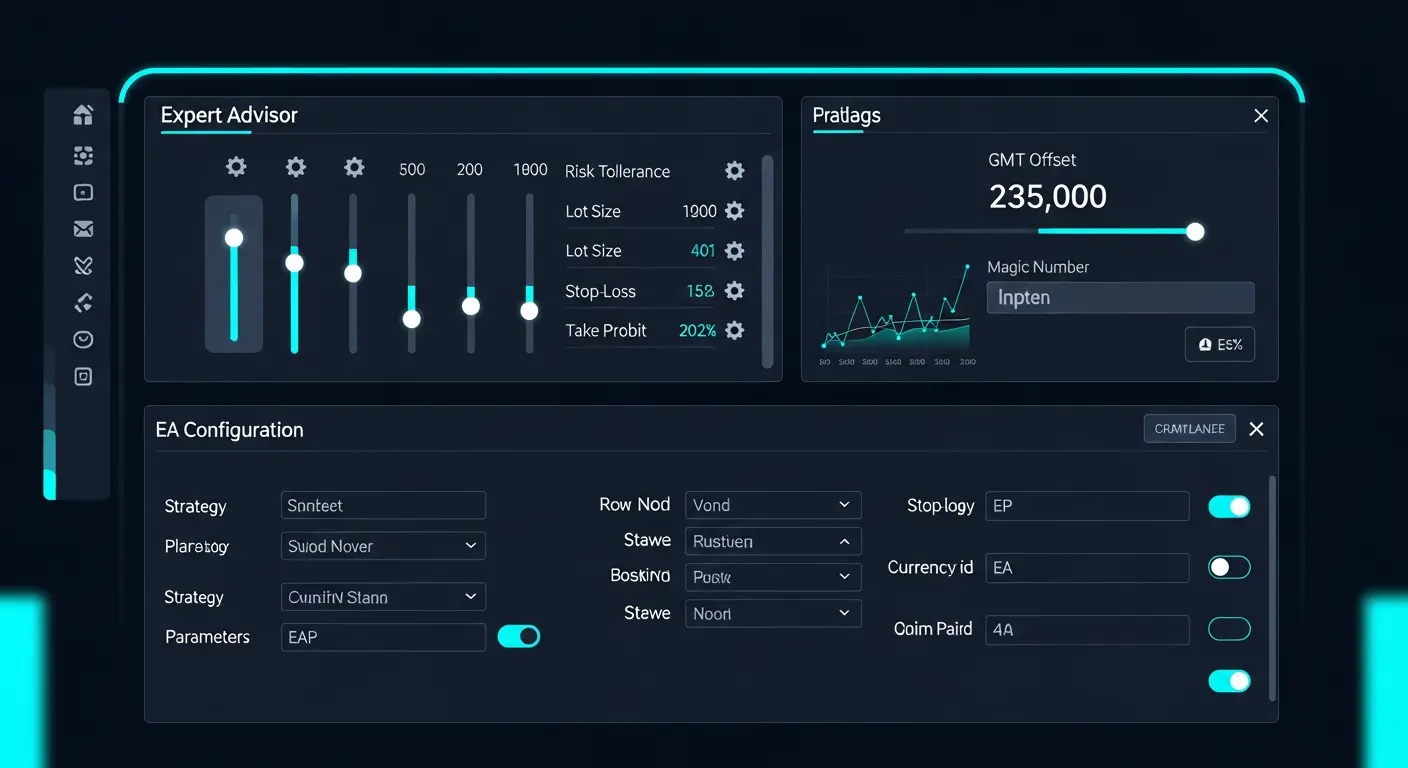
EA Settings Parameters
When you attach SwapSlap EA to a chart, the settings window shows these parameters:
Broker GMT Offset
Magic Number
Risk Level (for 1:500 leverage)
Wednesday 3x Swap Risk Level
Reduce risk if external positions exist
The On-Chart Panel (v2.25+)
Top Section — Statistics
| Field | Description |
|---|---|
| Current Risk | Actual drawdown percentage based on balance |
| Max Loss Daily | Maximum potential daily loss |
| Max Profit Daily | Maximum potential daily profit |
| Expected Profit Daily | Average expected profit |
| Net Profit | Current profit including commission and swap |
| Swap (1,2,4,5) | Normal day swap cost per day |
| Swap (Wed 3x) | Wednesday triple swap cost |
| Wed TP | Wednesday take profit value |
| Leverage | Account leverage detected |
| Req. Max Margin | Maximum margin needed |
| Position Lots(xN) | Lot sizes for all 3 positions |
Bottom Section — Risk Level Buttons
Two rows of clickable buttons:
Right Panel — Order Comment Commands
Shows all available mobile commands:
Version History
| Version | Key Changes |
|---|---|
| v1.x | Initial release, basic carry trade |
| v2.25 | Added on-chart panel with risk level buttons, 4% prop firm level |
| v2.43 | Wednesday auto risk boost, safety close before Asia open, wed risk mobile commands, spread fix |
| v2.45 | Latest version with all features (March 23, 2026) |